Collections tab toolbar
This toolbar appears in the  Collections tab:
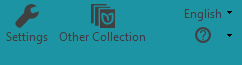
Toolbar buttons:
-
 - Currently, this is just a notice that you are working in a Team Collection.
 -
 - Click it to open the Settings dialog box.
 -
 - Click it to open the Open/Create Collections dialog box.
 -
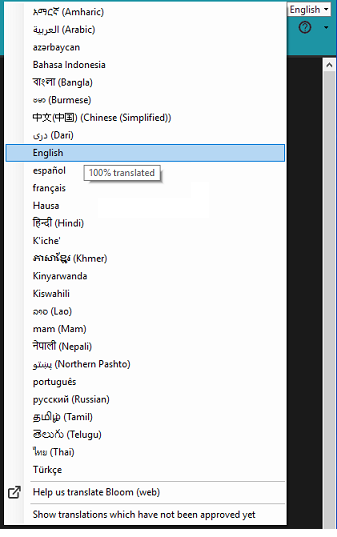
 - Click it to change the User Interface (UI) language.
 -
-
Click
 Help us Translate Bloom to open https://crowdin.com/project/sil-bloom on the Internet.
 -
Select (
 ) Show translations which have not been approved yet if you need to see or use an unapproved UI language.
 -
Move your mouse pointer over a language to see how much has been translated.
-
-
 - Click to open the
  (Get Help) menu.
Important
-
Some buttons may be hidden or locked.