Custom page template - example
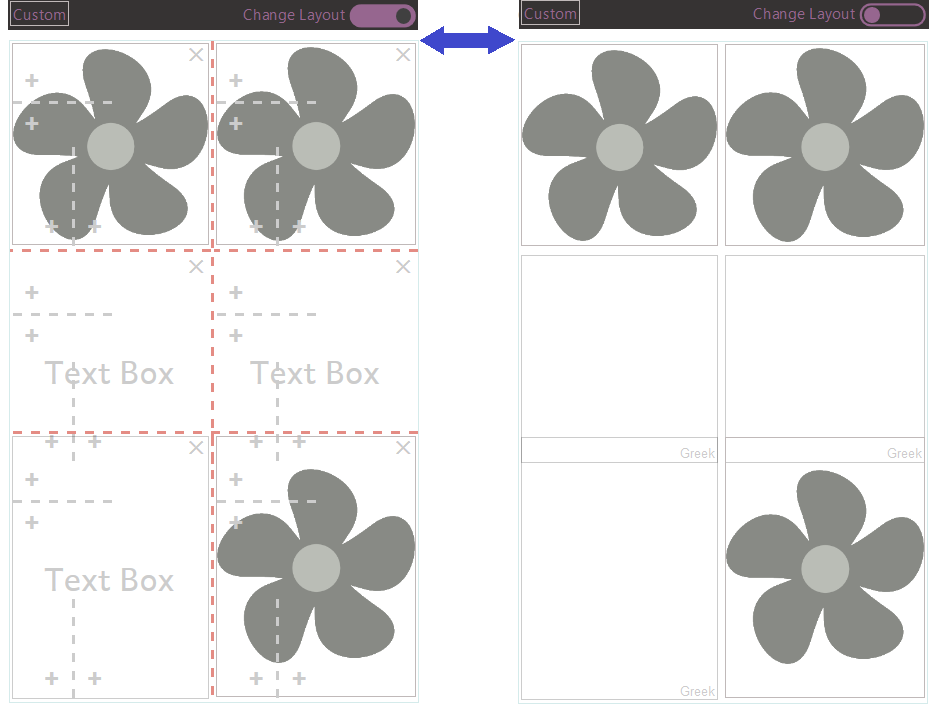
If you choose the Custom page template when you add a page, you can insert boxes in various different ways. This example shows the same custom page layout. The Change Layout controls are shown in the picture on the left. They are hidden in the picture on the right.
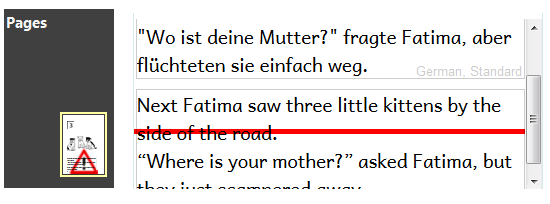
When there is a text overflow the Pages pane will be flagged. Also, a red line appears in the text box.
Example:
Tip
https://vimeo.com/album/3146452/video/116868148 is a video that can help you learn about the Custom page template.