Source text
A Source text is the words for a book. These words are provided in one or more languages of wider communication. These words are typed in shell books. These words are translated into the local language. The words that need to be translated are in boxes. The boxes are along the side of the page. In some cases, you can change the language of the words.
Example 1
-
The English words are shown at the side the text box.
-
The toolbar would show
 (One Language). The book would be monolingual.
 -
You can click the copy button (
 ) to copy the source text to your clipboard. You cannot edit the source texts here.
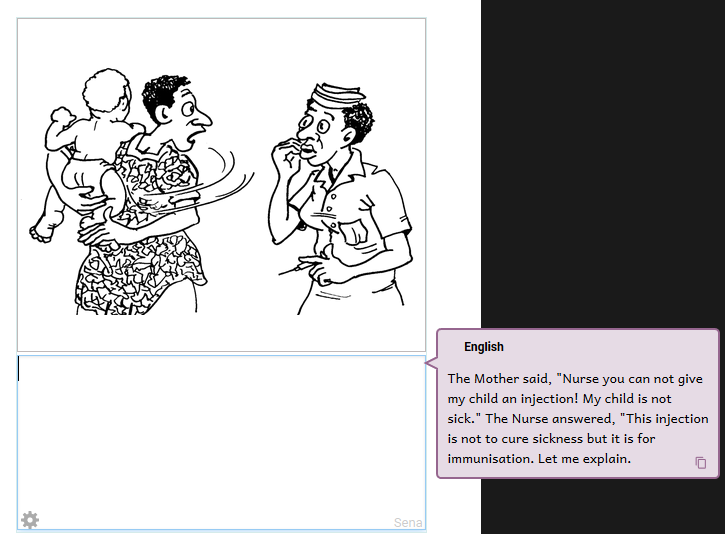
Example 2
-
Here is a comic book page. The source text for a speech bubble appears in two languages.
-
You can click the copy button (
) to copy the source text to your clipboard. You cannot edit the source texts here.
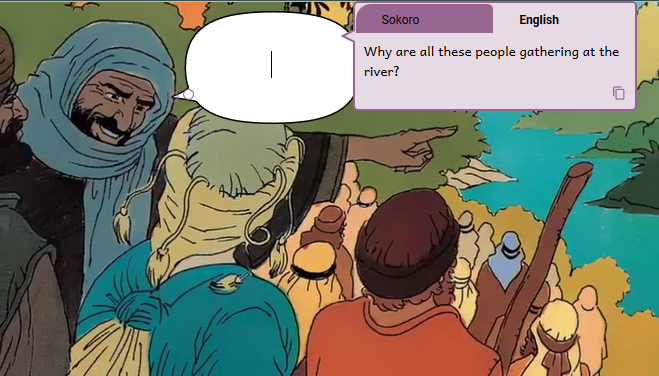
Important
-
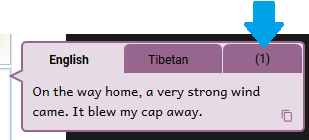
If the source text is available in more than two languages, a number appears next to the tabs. The picture below shows an example that has 3 languages. There are two tabs with the language name, and one more that shows that there is another language. You could see a larger number.
-
-
Click the number to see the other language or languages. Then, click the language you want to see in a tab.
-
Tip
-
You can control how the language name appears in this dialog box. See: Change or Set languages.
-
For a trilingual book, choose three languages.
-
A red font color or red line in a text box means that it is too full.